Andriod
This guide provides a quick to setting up guide with Eclipse andriod mobile app.
Requirements
- Debrid Vault Account: You will need to have a registered Debrid Vault accound Debrid Vault/Setup Guide.
Thank You
tip
Thank you for donating! Your support helps with the development!
Setup Instructions
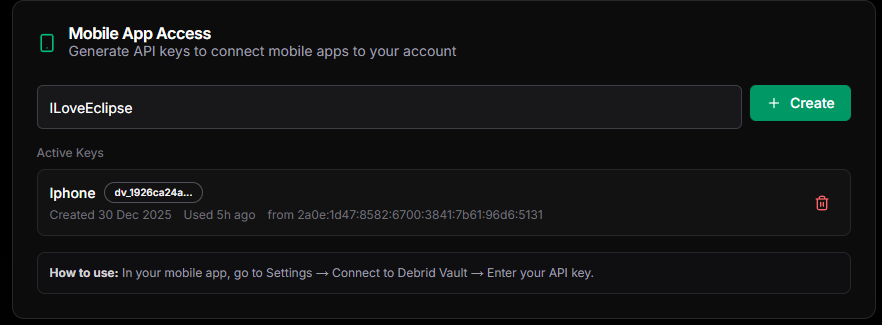
Create your API Key
- Log in to your Debrid Vault account.
- Navigate to Settings, then click the Accounts tab.
- Scroll down to the Mobile App Access section.
- Type a name for your API key (e.g., "Eclipse Mobile") and click Create.
- Copy your API key, then click the 'I've saved the key' button.
Andriod Mobile App Installation
info
To access the APK for Eclipse, you will need to reuqest for the Andirod testing role on discord . Once you have the relvent 'Andriod' role, you can downlaod the APK form the relvent Cahannel.
- Once you receive the role, head to the channel to download and install the APK
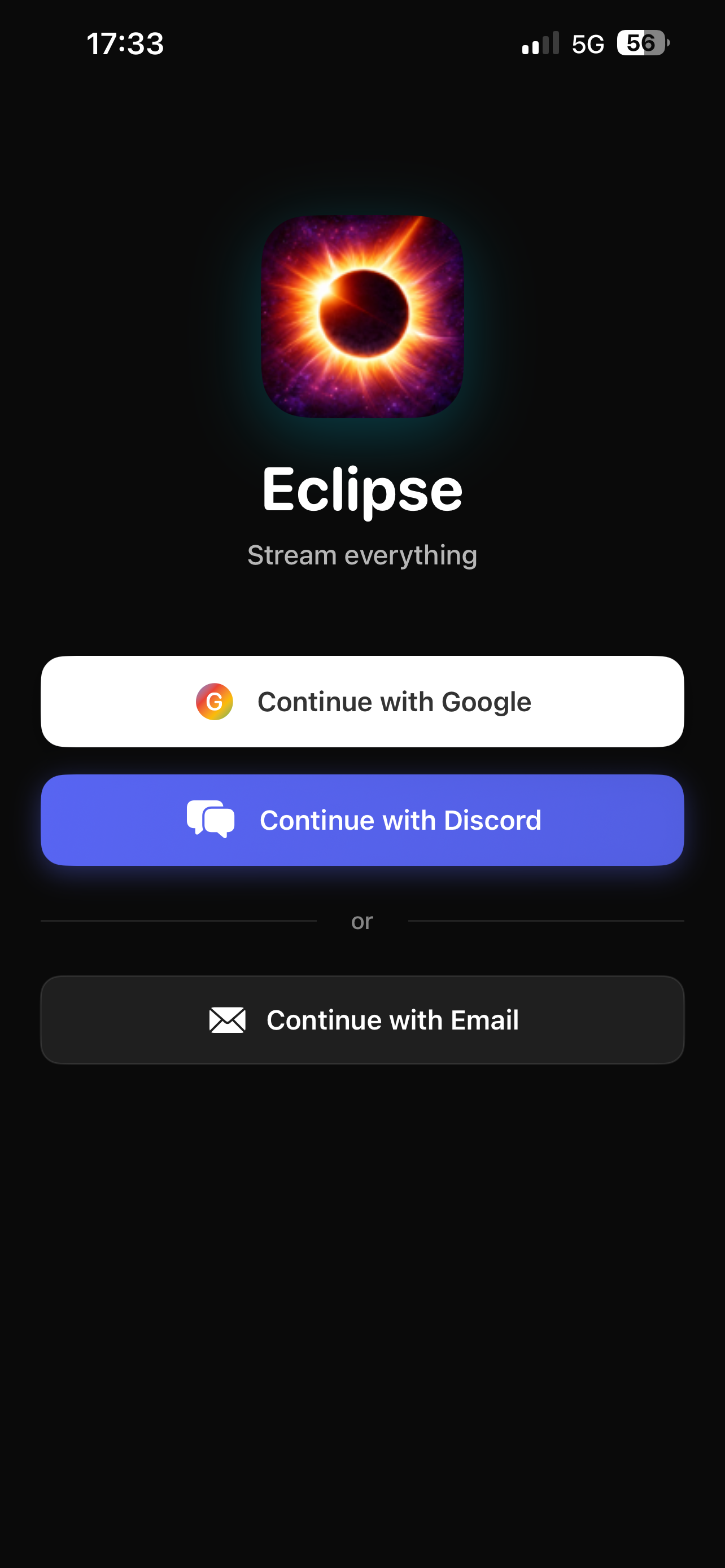
- Open Eclipse and sign in.
- Tap the Settings icon on the bottom navigation bar.
:::tip Sideloading APKs To install the APK, you will need to allow "Install from unknown sources" in your device settings. official Google Android Help guide. :::
Link Debrid Vault to Eclipse
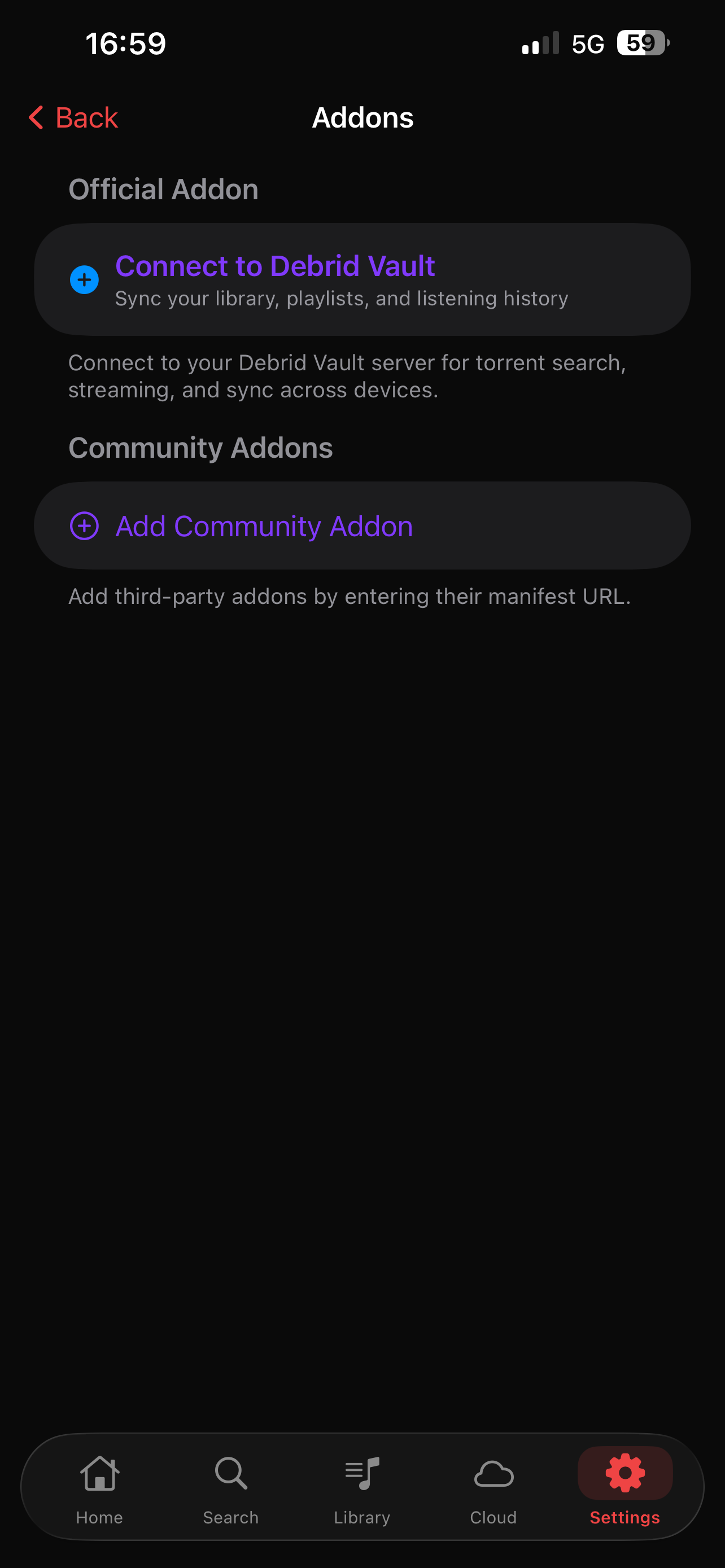
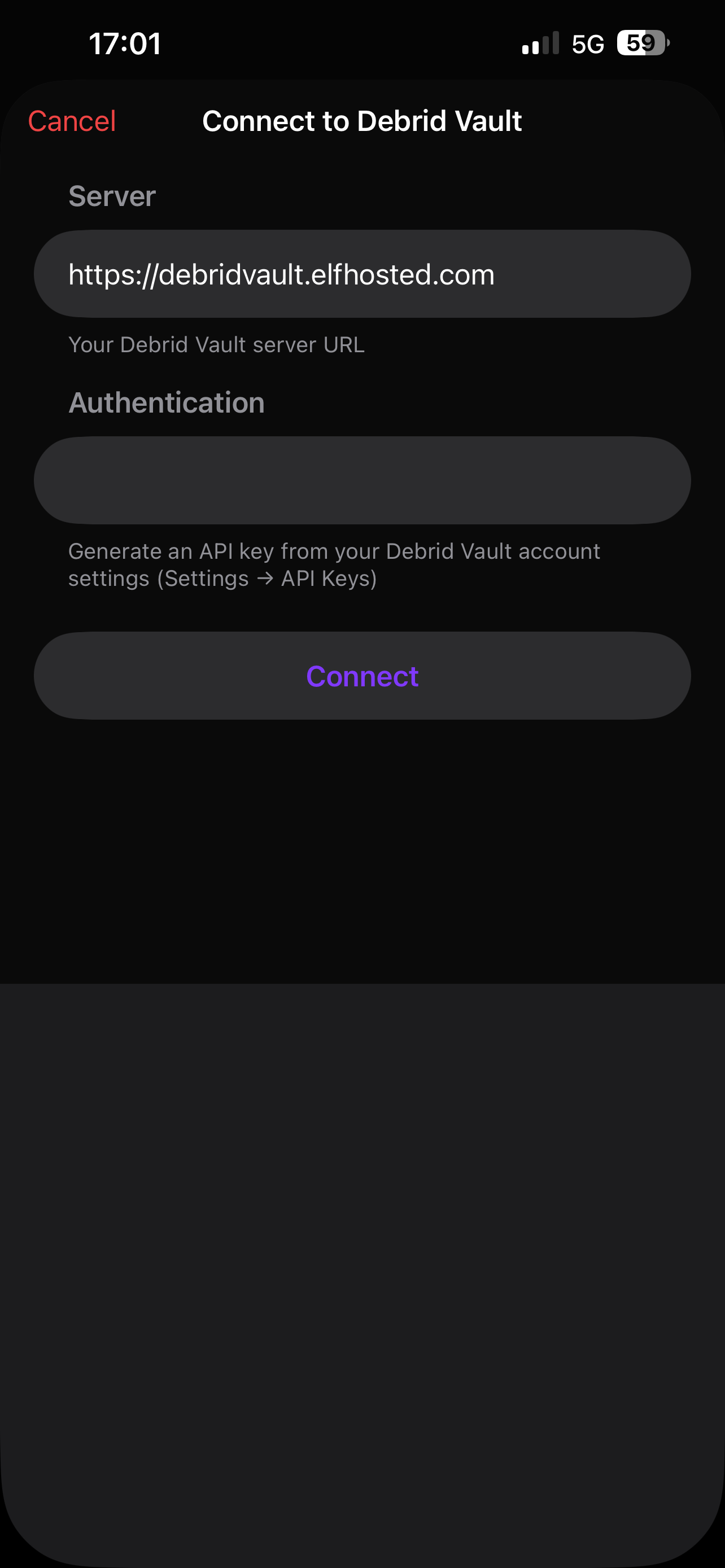
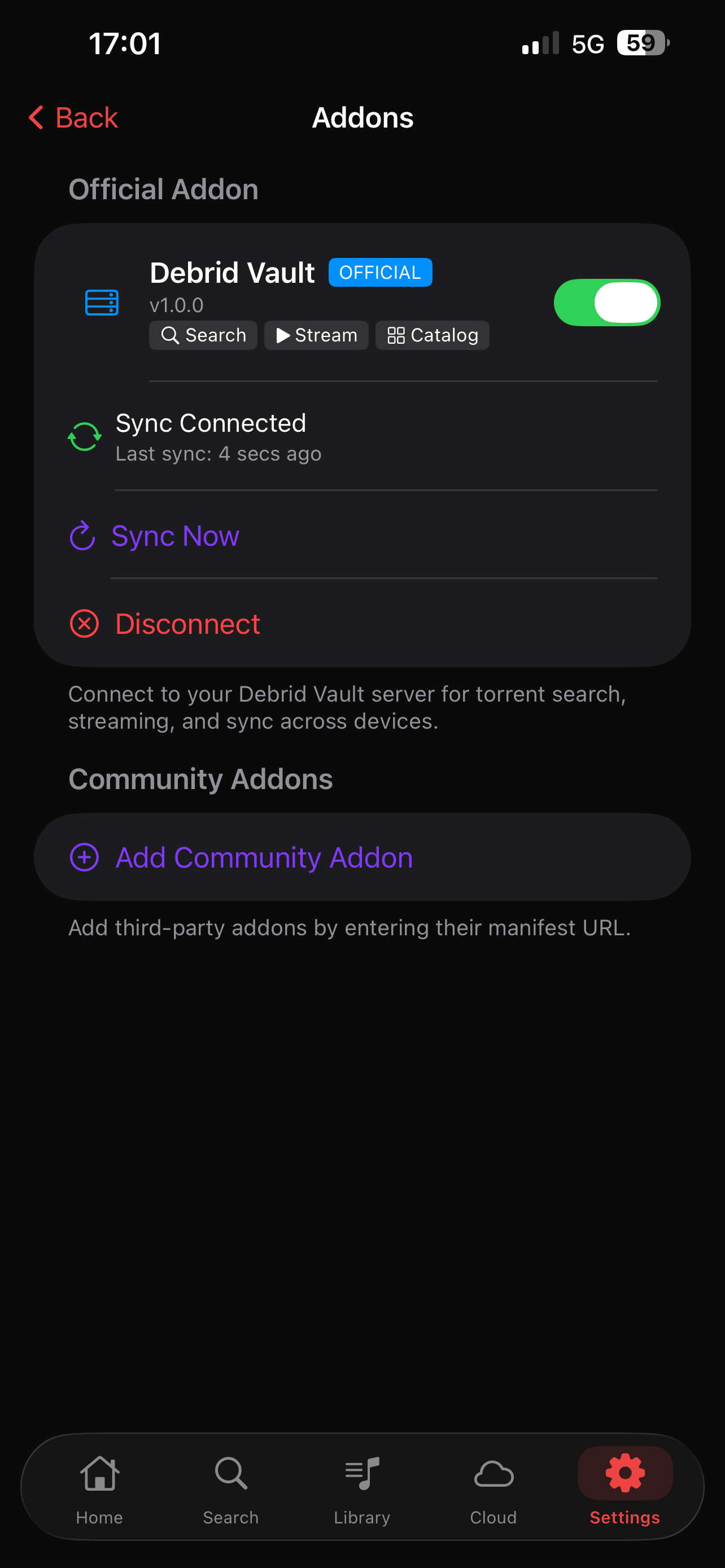
- Press on the 'gear' iocn on the top right hand side of your screen, then scroll down and press on Manage Addons.
- A popup will appear asking for your API key.
- Paste the API key you created in your Debrid Vault settings and press Connect.
- This will sync your playlists and listening statistics.
Link TorBox API
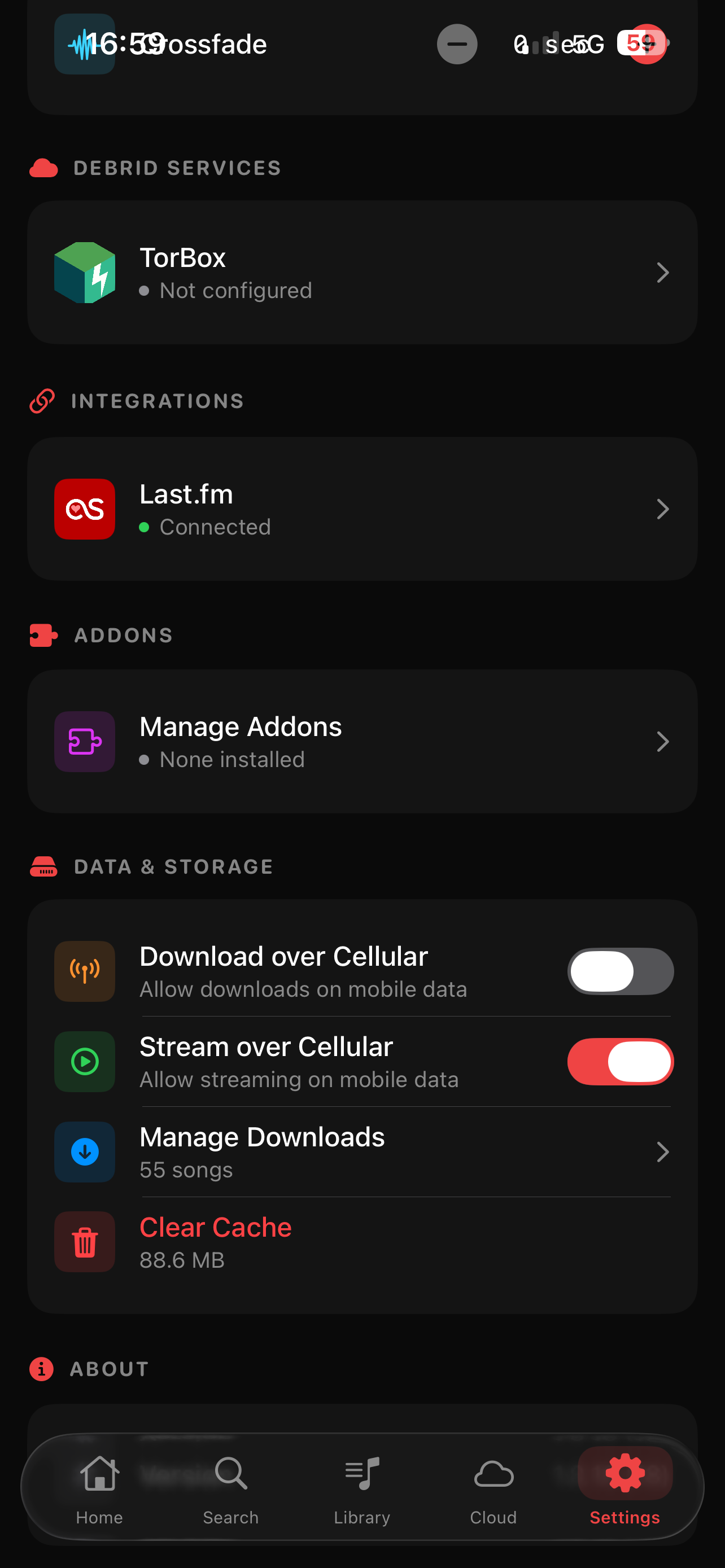
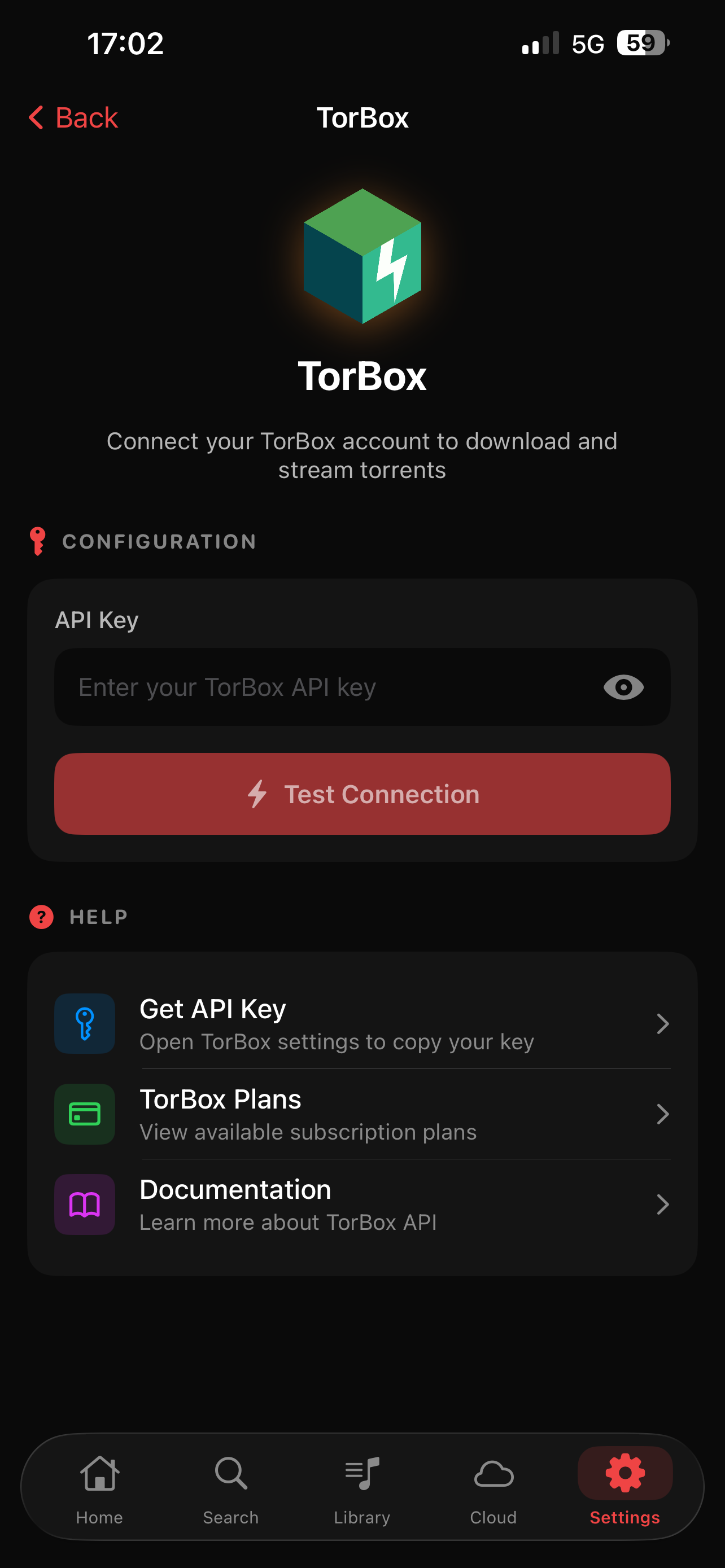
- Finally, you will need to link your TorBox API key within the Eclipse Settings to enable streaming.
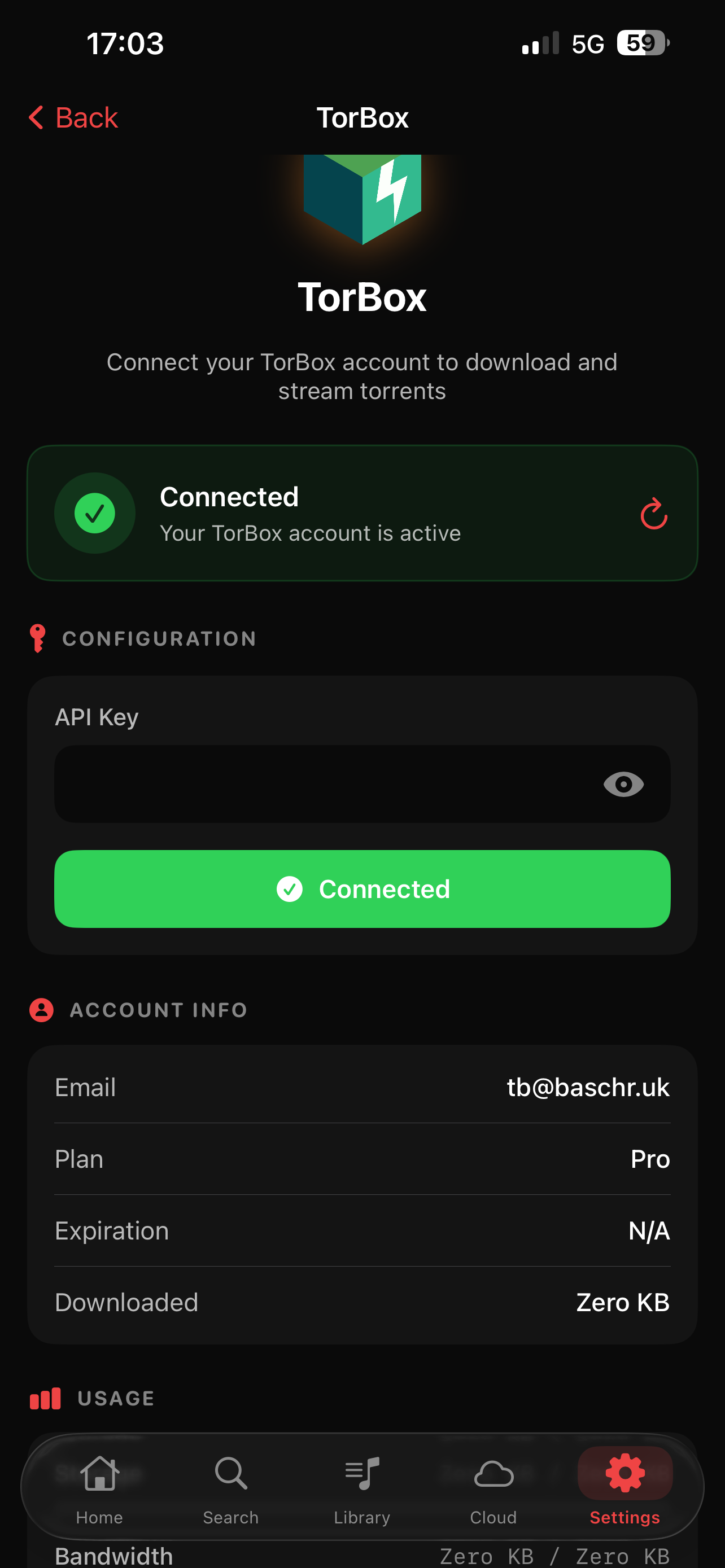
Enjoy! You are all set up and ready to use Eclipse.
:::warning Under Maintenance This guide is currently under maintenance. Android screenshots will be added soon and more! :::