External Server Integrations
You can now link your hosted media servers directly to Eclipse to stream your entire collection from anywhere.
How to link your media server?
- Navigate to the Settings page.
- Select Cloud Storage and tap Add Connection.
- Choose your server type (Plex, Jellyfin, WebDAV, etc.) and sign in.
- Once authenticated, your media will appear in the Library section under the Servers tab.
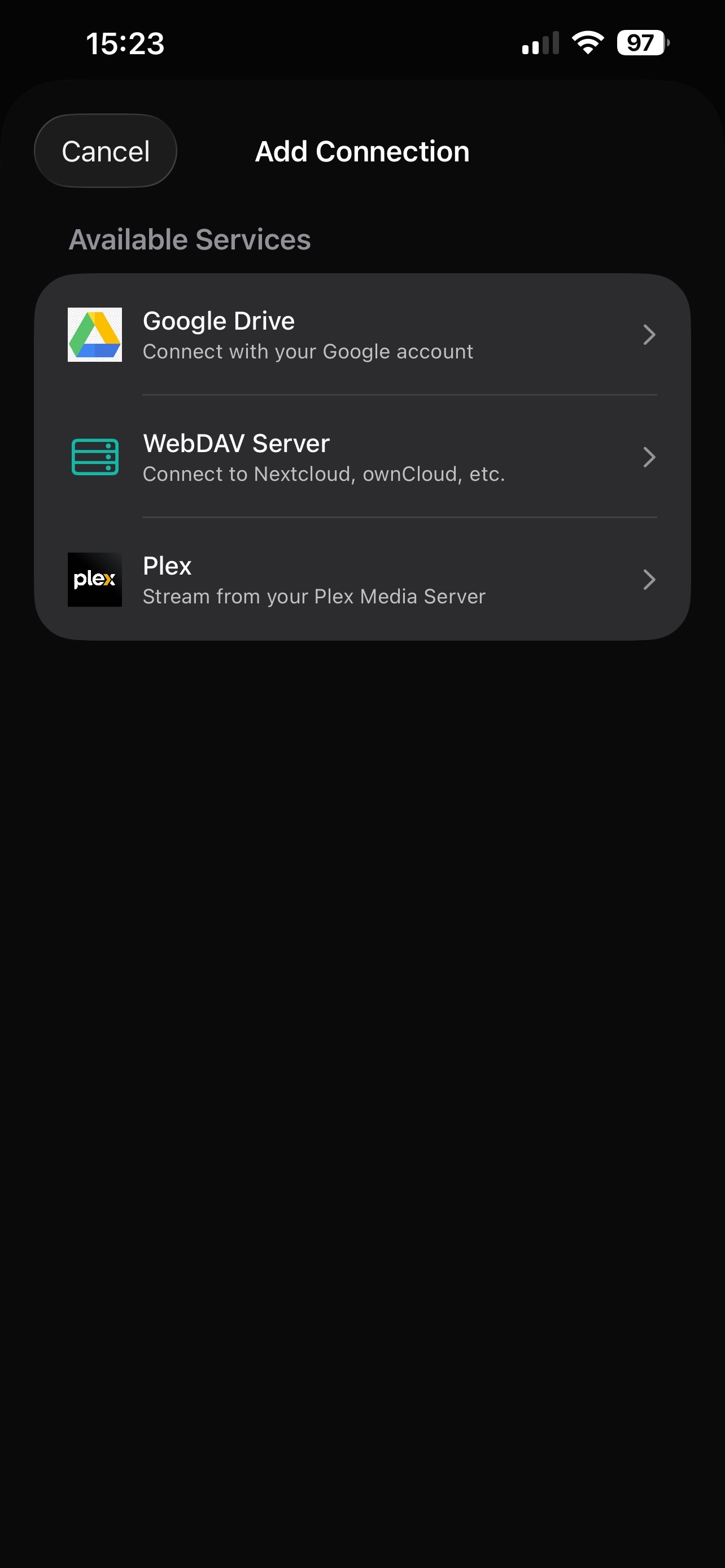
1. Go to Settings
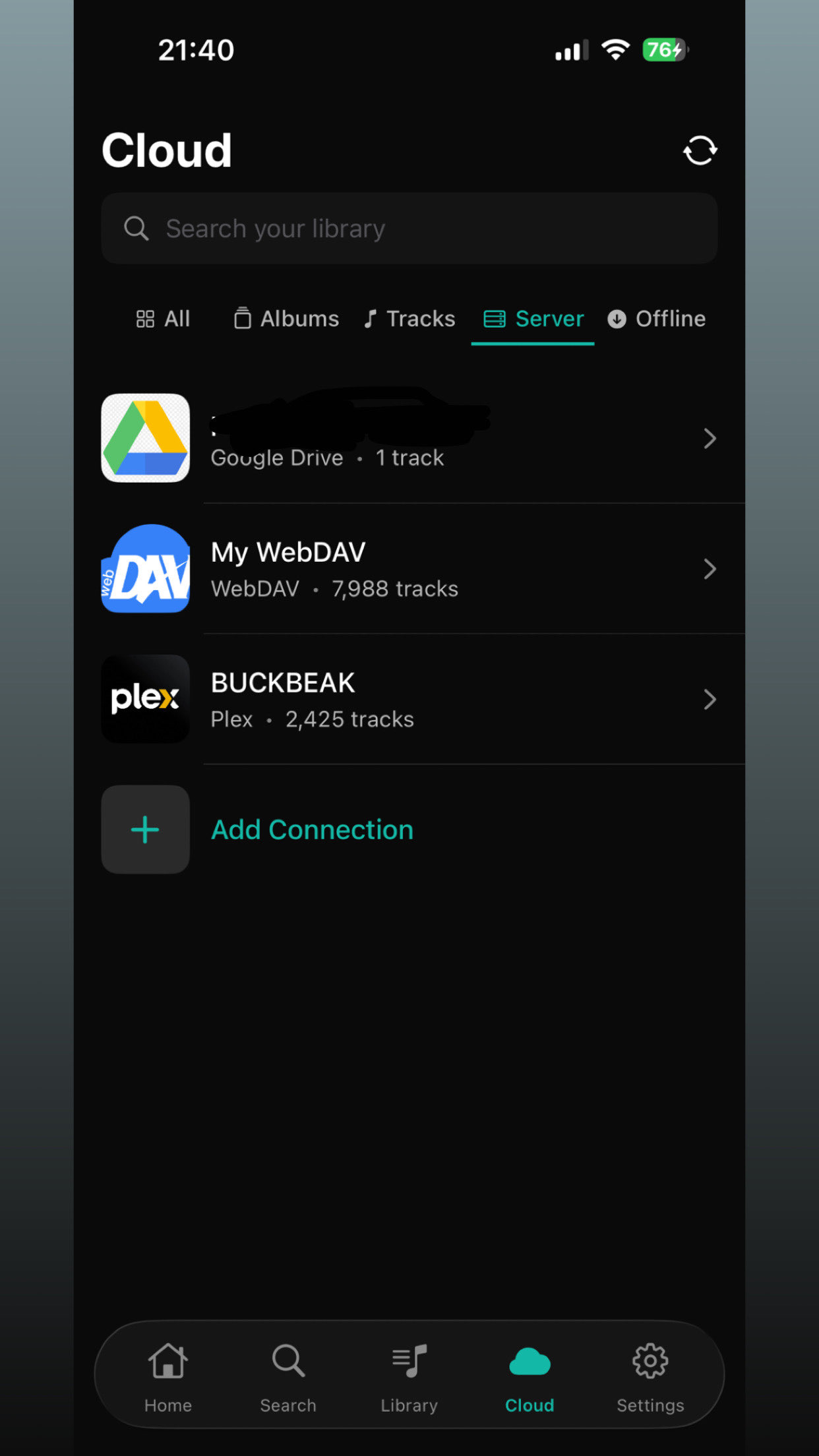
2. Add Connection
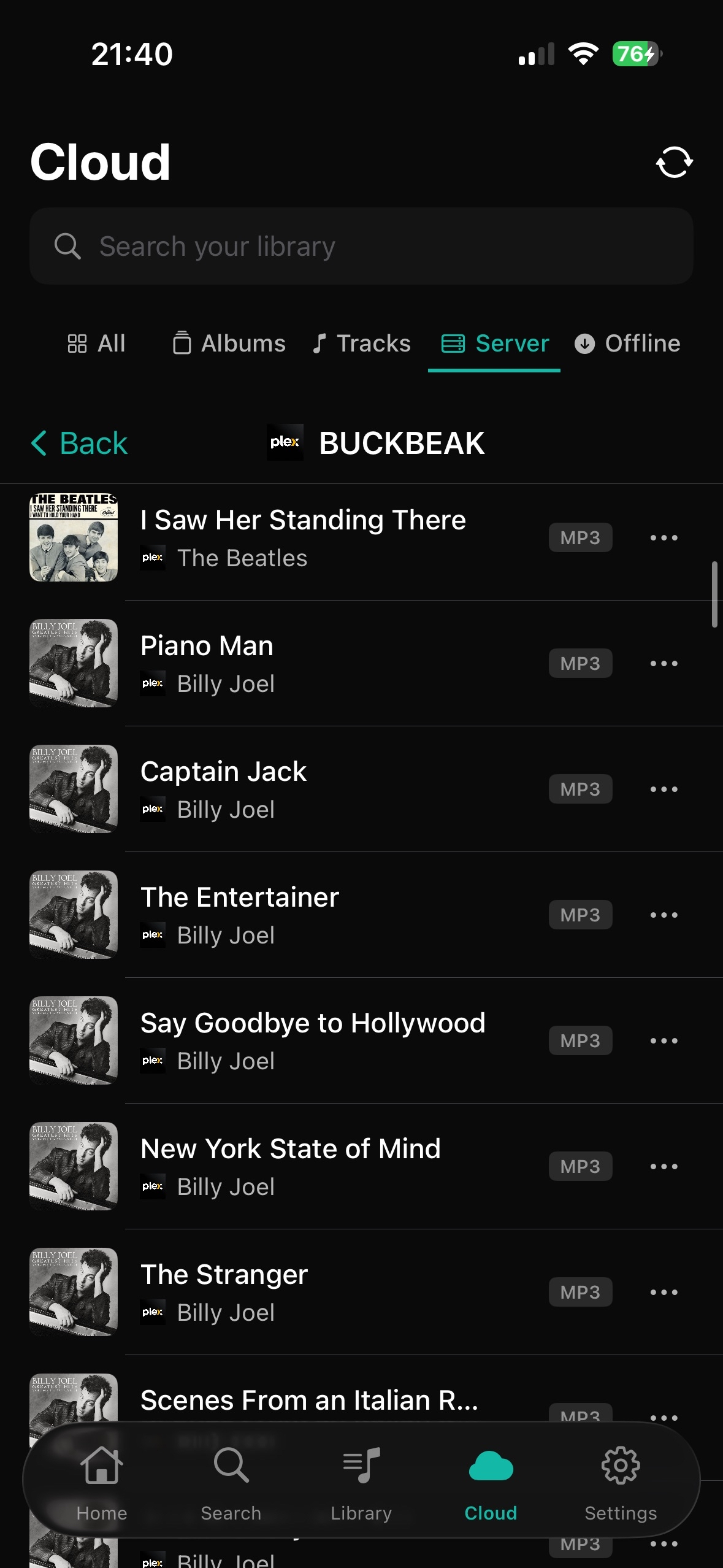
3. Access your Media